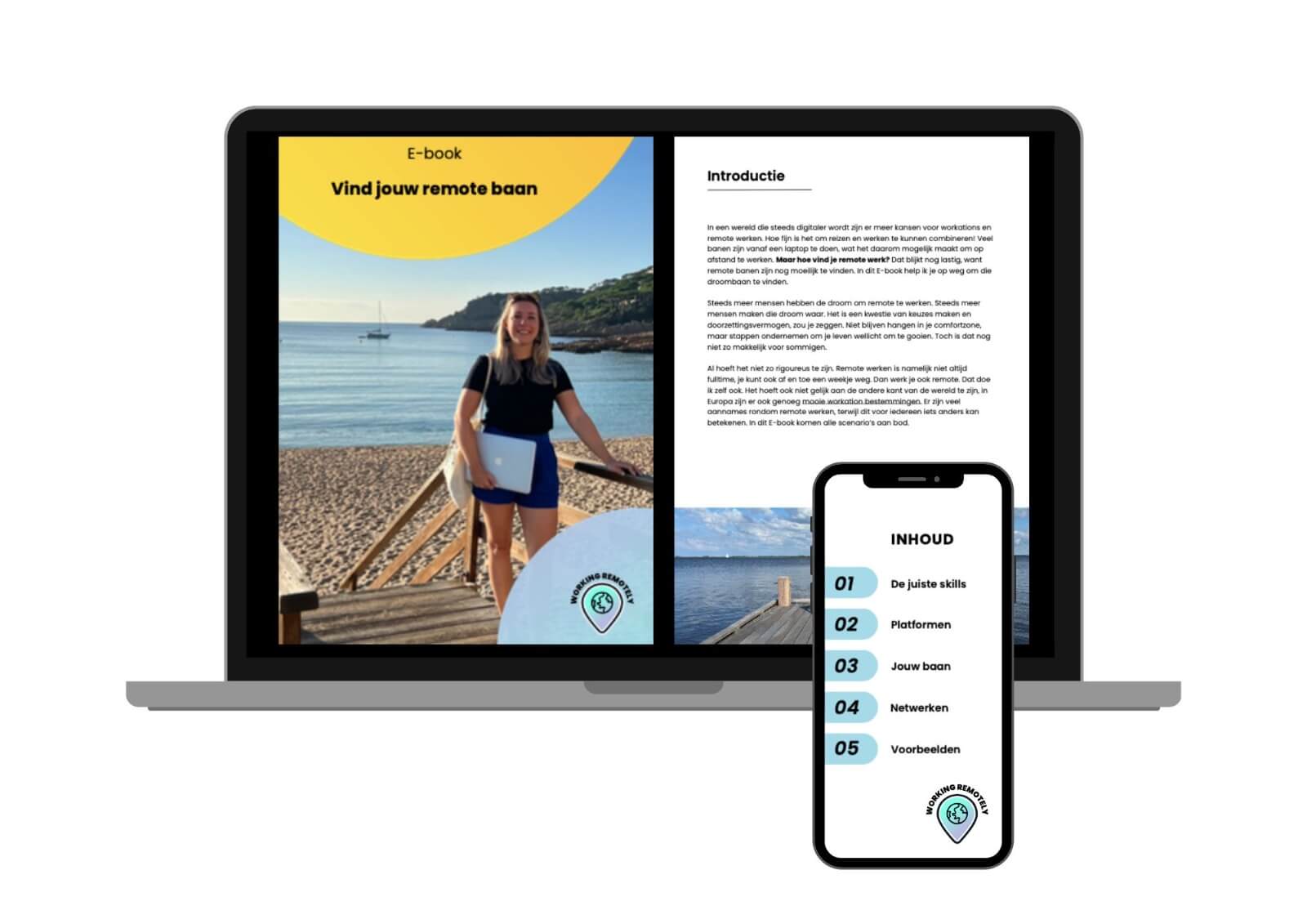


Remote work gives you the freedom to choose where you work. From home, a coffee shop, an apartment abroad, or maybe even from a sunny terrace during a workation. It’s precisely that variety that makes remote work so appealing to many people.
A great remote workspace isn’t just about a good internet connection. Your equipment, the accessories you bring along, and having enough power also play an important role. Because a nice workspace is great, but it’s a lot less convenient if your laptop is almost out of battery halfway through the morning and there’s no outlet nearby.
Work wherever it’s convenient for you
One of the biggest advantages of remote work is that you’re not tied to one place. Maybe you’ll work for a few hours at a café and then move on. Or you might combine a longer trip with a few days of work from your apartment, hotel, or coworking space.
That freedom does require a bit more preparation, though. After all, you don’t always know what amenities are available on-site. Not every café has enough outlets, and even in an apartment or hotel, an outlet isn’t always located exactly where you want to work. That’s why it’s nice to keep your remote workspace compact and practical. With your laptop, phone, a few cables, and a good power bank, you often have everything you need to get to work in different places.
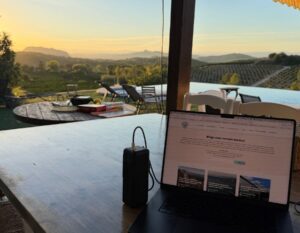
A Power Bank for Your Laptop and Phone
People who work remotely a lot usually use more than just a phone. Your laptop is often the most important device of the day. That’s why Xtorm considers not only a power bank’s capacity, but also the power output you need to charge your devices properly.
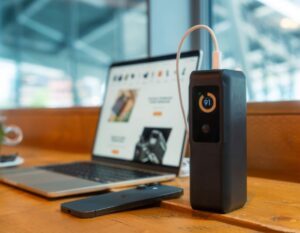
For remote work, the Xtorm NextGen Power Bank 27,000 mAh 140W is a powerful option, for example. With a maximum charging power of 140W, you can use it to charge virtually any laptop. In addition, you can, of course, connect multiple other devices to it, such as your phone, tablet, or earbuds.
The smart display shows you how much battery life is left, how much power is going in and out, and approximately how long it will take to recharge the power bank. This is handy during a long workday, because it lets you know exactly where you stand.
With a capacity of 27,000 mAh, it’s also small enough to take with you on a flight. That makes it ideal for everything from a day of working at a café to a longer workation abroad.
How to Safely Bring a Power Bank on a Plane
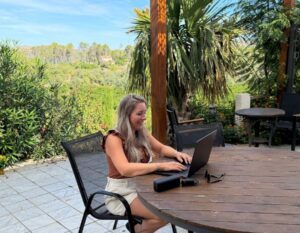
A recent news story once again highlighted that you need to take safety seriously when traveling by plane with a power bank. That was also the first thing Alieke from Working Remotely checked when she needed to bring her NextGen power bank along for her workation in Spain. “I always get a little nervous about whether you’re allowed to bring it in your carry-on, but you can actually bring one up to 27,000 mAh. That gives me the freedom to work on my laptop anywhere, without needing an outlet. I also use my phone a lot, so I have to charge it often. Here you can see me relaxing on a terrace in Spain, where I can work for hours thanks to a good power bank.”
Want to use a great power bank like this when you start working remotely? Use discount code XTORM-WR-15 to get 15% off at Xtorm.
How to Get the Most Out of Your Power Bank
A good power bank is one thing, but having the right cable, adapter, and connector also makes a difference. Here are a few practical tips:
- Use the right cable
Not every USB-C cable supports the same power output. If you want to fast charge or charge a high-powered laptop, use a cable that supports the required wattage.
- Choose a high-power adapter
The adapter is also important when charging the power bank itself. An adapter with sufficient power ensures that your power bank is ready for use again more quickly.
- Pay attention to which USB-C port you’re using
For a power bank with multiple ports, the maximum power output per port may vary. Therefore, for your laptop, choose the port that supports the highest power output.
- Charge it fully before leaving
Especially during a workation or a long day out and about, it’s nice to start out with plenty of battery life. That way, you’ll have enough power on hand for your laptop and other devices.
- Keep the connections clean
A power bank often travels with you in your bag. So check the ports every now and then for dust or dirt, and keep them clean and dry.
More capacity for longer trips
Not every remote workday is the same. Sometimes you work from a café for a few hours, but other times you might be on-site all day, using multiple devices, or working with someone else and needing to charge more than just a laptop.
In that case, having extra capacity can be helpful. The NextGen Power Bank 45,000 mAh 70W gives you more power for longer workdays and multiple devices. It’s handy if you don’t want to rely on a power outlet and need to charge various devices throughout the day.
If you want even more capacity, there’s the NextGen Power Bank 60,000 mAh 100W. It’s ideal for busier workdays, multiple devices, or situations where you won’t be able to recharge your power bank for an extended period of time.
Due to their larger capacity, the 45,000 and 60,000 mAh models are not suitable for carrying on a flight. However, they offer extra freedom for workdays at a café, in a vacation home, or when traveling by car or RV.

Flexible work, no matter where you are
Ultimately, remote work is all about freedom and flexibility. The freedom to open your laptop in a café, an apartment, or any other nice spot while you’re traveling. Do you regularly fly out for workations and want to be able to charge your laptop too? Then the NextGen 27,000 mAh 140W is a great fit for that situation. Do you work long days on location, use multiple devices, or travel mainly by car or RV? Then the 45,000 mAh and 60,000 mAh models offer you more capacity.
With reliable equipment and plenty of power, working from anywhere becomes a lot easier. That way, you spend less time worrying about where to charge your devices and have more time for what really matters: being able to work effectively and enjoying the freedom that remote work offers.
An Extra Benefit for Readers of Working Remotely
Are you planning a workation soon, or do you want to upgrade your remote workspace? Use discount code XTORM-WR-15 to get 15% off at Xtorm.
#cooperation
More tips on remote working
Werken vanuit een camper: alles wat je praktisch moet weten over vanlife
Hoe vind je hulp bij remote werken vanuit het buitenland, zonder direct kosten te maken?